
How to Build an AI FAQ Auto-Responder for Your Real Estate Website
Set up an AI-powered auto-responder that answers common real estate questions on your website around the clock without hiring extra staff. This guide walks through choosing the right AI tool, building a knowledge base, and connecting it to your lead capture so every visitor gets an instant helpful reply.
TAThe AMS TeamEditorial Team · September 20, 2026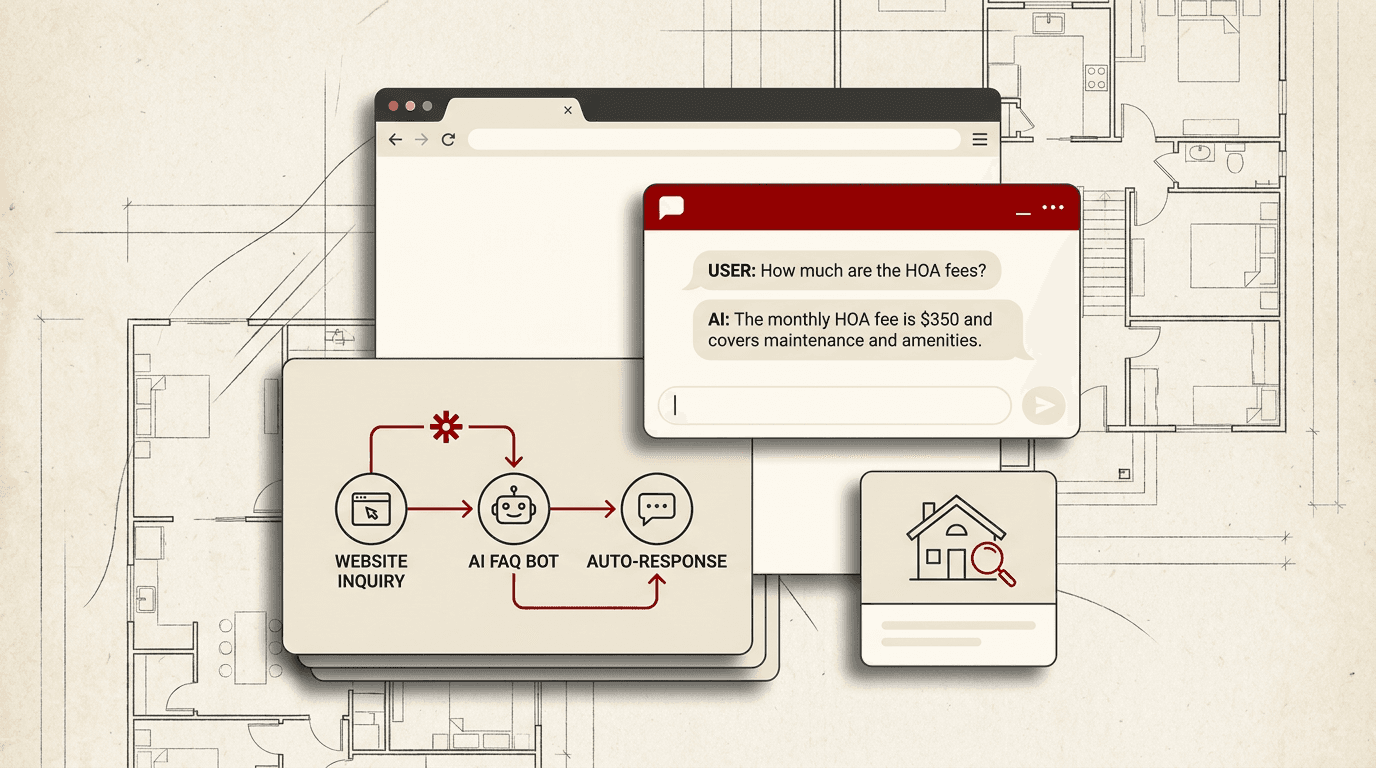
Your real estate website gets questions at all hours. "Is this property still available?" "What are the HOA fees?" "How much is my home worth?" "Do you work with first-time buyers?" Answering every inquiry yourself is impossible unless you never sleep. An AI FAQ auto-responder handles these questions instantly, day or night, so leads get answers while you rest.
This guide walks through building a practical AI auto-responder you can set up in an afternoon. The approach works with ChatGPT, Claude, or Gemini and connects to your website through Zapier or n8n. No coding required.
Step 1: Collect your most common questions
Start with the questions your real estate website visitors actually ask. Pull the last 30 to 50 inquiries from your contact form and chat history. Organize them into categories:
- Property availability and status
- Pricing and fees
- Neighborhood and school information
- Buying process and timelines
- Selling process and preparation
- Agent credentials and experience
- First-time buyer basics
If you track inquiries in your CRM, export the contact form messages from the past six months. If not, ask your team for the five questions they repeat most often. Every office has a handful of FAQ topics that come up daily.
Step 2: Write accurate, grounded answers
For each question category, draft a response that gives a real answer rather than a vague teaser. Buyers asking about a property want actual information, not a "schedule a showing to find out" brush-off. An AI auto-responder works best when it provides genuine help and collects lead information at the same time.
Structure each answer with three parts:
- A direct answer to the question
- One next step or call to action
- A qualifying question that helps you identify the lead's situation
For example, for "How much is my home worth?":
"Your home's market value depends on recent comparable sales in your neighborhood, current inventory levels, and your property's specific condition and features. I can share a preliminary estimate based on public data right now. To get that estimate, tell me your address and whether you are planning to sell in the next three months."
Write answers that are legally safe. Avoid making price predictions or guarantees. Frame estimates as preliminary and subject to a full market analysis. Include disclaimers where appropriate, especially for pricing, legal, and tax questions.
Step 3: Build the knowledge base document
Create a single document that contains all your FAQ content. This becomes the reference file your AI assistant reads to answer questions. Use a tool that supports file attachments: Claude's project knowledge, ChatGPT's custom GPT file upload, or Gemini's context attachments.
Structure the knowledge base document with clear sections and a last-updated date. Separate facts from opinions so the AI knows what to state directly versus what to qualify. Keep the document concise. A dense 1,500-word reference carries more signal than a sprawling 10,000-word file.
Step 4: Set up the AI assistant
Choose an AI tool and configure it to use your knowledge base:
- With Claude (Projects): Create a new project, upload your FAQ knowledge base as a project file, and set a custom instruction that limits the assistant to your knowledge base document. Tell it to collect contact information for questions it cannot answer.
- With ChatGPT (Custom GPTs): Create a new GPT, upload the FAQ document to the knowledge section, and write instructions in the Configure tab. Add conversation starters like "Is this home still available?" and "What are closing costs?" to guide visitors.
- With Gemini (Saved instructions): Create a saved gem with your FAQ knowledge base in the context. Set response guidelines that match your real estate standards.
Test the assistant by asking each of your top 10 questions. Verify the answers are accurate and complete. The assistant should quote your knowledge base directly for factual answers and explicitly say when it does not have the information.
Step 5: Connect the assistant to your website
The auto-responder needs a connection path from your website forms to the AI and back to the visitor. Two automation tools handle this well:
- Zapier: Create a Zap triggered by new form submissions (via Webflow, WordPress contact forms, Typeform, or Google Forms). Send the form answer to your AI tool's API (ChatGPT or Claude) with your knowledge base instruction, then return the AI's response as an email or SMS reply. Add a step that creates a new lead in your CRM.
- n8n: Build a similar workflow with a webhook trigger, AI node, email or messaging output, and CRM step. n8n gives finer control over response formatting and multi-step follow-up.
For each automation, configure three stages:
- Input. Pass the visitor's question and name from the form submission to the AI assistant.
- Response. Capture the AI's written answer and send it back to the visitor by email or SMS.
- CRM note. Log the interaction and the visitor's contact information in your CRM for follow-up.
Step 6: Add approval gates for sensitive questions
Not every question should get an automated answer. Configure your automation to flag and route sensitive inquiries to a human:
- Questions about specific property pricing or tax assessments
- Requests for legal or tax advice
- Complaints or disputes
- Offers or negotiation requests
In your automation, add a filter step that checks the visitor's question against keywords (price, offer, negotiate, legal, dispute) and routes matched conversations to a different path: an email notification to your team rather than an automated response. This approval gate protects you from incorrect pricing statements and keeps legally sensitive topics with a licensed agent.
Step 7: Monitor and refine
An auto-responder needs maintenance. Set a monthly review cycle:
- Read the last 20 auto-responder interactions. Check for accuracy, tone, and completeness.
- Update the knowledge base with new listings, changed fee structures, and seasonal market shifts.
- Add new questions that appear in your actual inquiry logs but are not yet covered.
- Review the CRM leads from auto-responder interactions. Are they converting? If not, adjust the qualification questions.
An AI FAQ auto-responder handles the repetitive work so your team can focus on the conversations that build relationships. Set it up once, review it monthly, and let it keep working while you do.
Frequently asked questions
Will an AI auto-responder replace my team's personal touch?+
No. The auto-responder handles routine, repetitive questions so your team has more time for the conversations that build relationships. Every interaction includes an option to speak with a human agent.
Which AI tool works best for a real estate FAQ responder?+
ChatGPT, Claude, and Gemini all handle this task well. Choose one based on your existing subscription. Claude's project files and ChatGPT's custom GPTs both offer persistent knowledge base support without coding.
How do I keep the AI from inventing pricing or property facts?+
Set clear instructions that limit the AI to your knowledge base document. Add a disclaimer to every automated response. Route pricing questions to a human approval gate. Test regularly to catch hallucinated details early.
Can I customize the auto-responder for different neighborhoods or property types?+
Yes. Create topic-specific sections in your knowledge base for each neighborhood or property type you serve. The AI pulls from the matching section when the visitor's question references a specific area.
How long does it take to set up an AI FAQ auto-responder?+
One afternoon for the initial setup. The knowledge base document takes about an hour to write. The AI assistant configuration takes 30 minutes. The automation (Zapier or n8n) takes another 30 minutes. Monthly maintenance runs about an hour.
What types of questions should I NOT automate?+
Avoid automating responses about specific property pricing, tax assessments, legal advice, contract terms, complaints, or negotiation offers. Route these to a human agent through an approval gate in your automation.
Do I need a paid AI subscription to run an auto-responder?+
Yes, most solutions require a paid subscription. ChatGPT Plus, Claude Pro, or Gemini Advanced all provide the API access needed for automation. Zapier and n8n also have paid tiers for multi-step workflows. The total cost is typically under $50 per month.


