
How to Turn Real Estate Meeting Notes into Action Items Using ChatGPT
Use ChatGPT to transcribe your listing appointments, buyer consultations, and team meetings, then extract tasks, deadlines, and follow-ups automatically. This guide walks real estate agents through a complete transcription-to-action pipeline with no extra software.
TAThe AMS TeamEditorial Team · September 15, 2026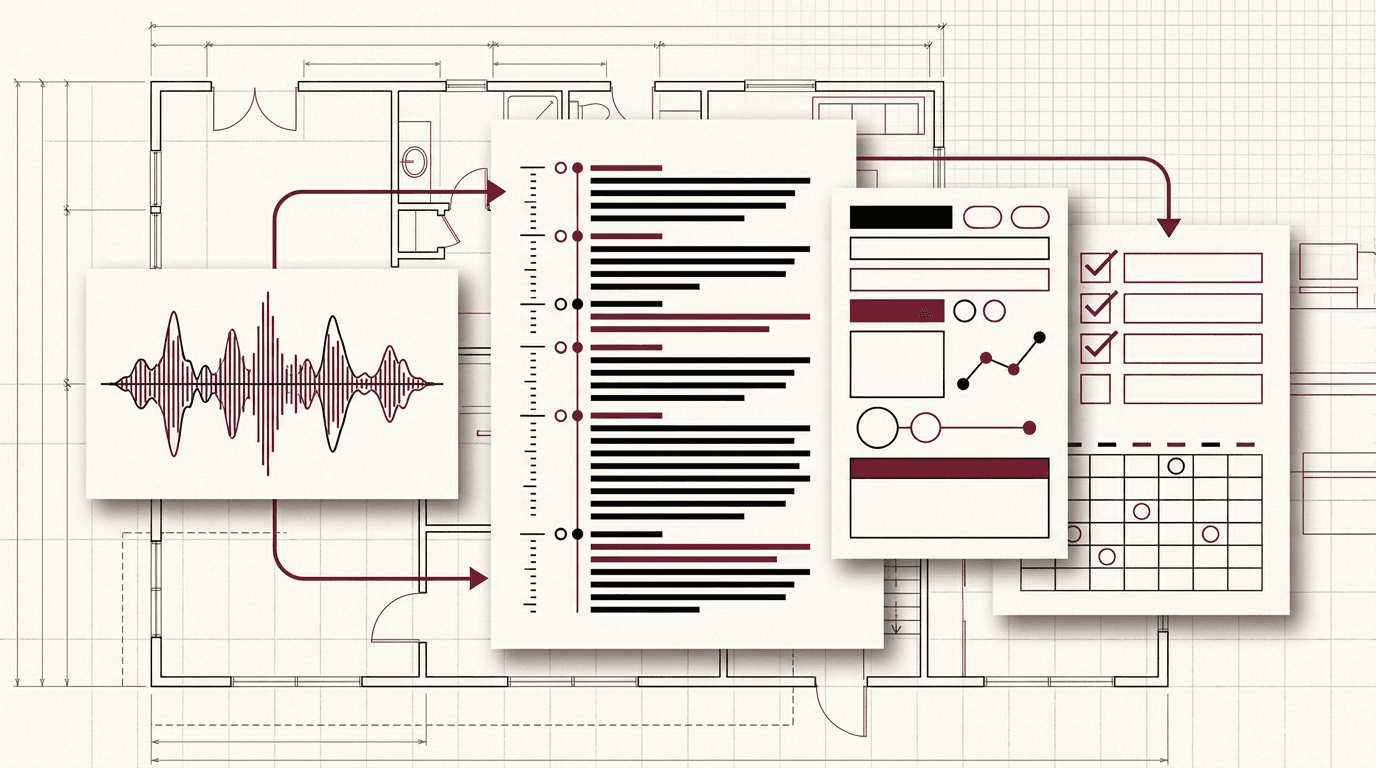
Every listing appointment, buyer consultation, and team meeting produces information that needs to turn into action. But most agents rely on handwritten notes, scattered voice memos, or memory. Tasks slip, deadlines pass, and follow-ups happen late. An AI transcription-to-action pipeline captures everything and extracts the decisions, deadlines, and next steps automatically.
This guide shows you how to use ChatGPT to turn meeting recordings and notes into organized action items with no extra software. You will build a repeatable workflow that works for in-person meetings, phone calls, and virtual appointments.
Step 1: Record the Meeting or Gather Your Notes
The first step happens before you open ChatGPT. You need the meeting content in a format ChatGPT can process. You have three options depending on how you work:
Audio recording. Record the conversation with a smartphone voice memo app or a dedicated recorder. Export the file as MP3, M4A, or WAV. ChatGPT can transcribe uploaded audio files of up to about 25 MB on the Plus plan.
Typed or dictated notes. If you take notes during the meeting, type them into a document or note app while the conversation is fresh. Paste the raw notes into ChatGPT for extraction.
Handwritten notes. Take a photo of your handwritten notes with your phone. ChatGPT can read text from images. Upload the photo and ask for transcription and extraction together.
Step 2: Upload the Content to ChatGPT
Open ChatGPT and start a new conversation. Upload your audio file, notes document, or photo using the attachment button (paperclip icon) next to the message input field.
For audio files, ChatGPT processes the file and produces a written transcript. For typed notes or handwritten photos, ChatGPT reads the text directly. Wait for the upload to finish before giving instructions.
Step 3: Prompt ChatGPT to Extract Action Items
After the content is uploaded, give ChatGPT a clear extraction prompt. This is the core of the workflow. Write a prompt that includes:
The type of meeting (listing appointment, buyer consultation, team meeting, showing feedback).
What you want extracted (action items, deadlines, named owners, follow-up dates, client concerns).
The output format (numbered list, table, or categorized by owner).
Example prompt for a listing appointment:
"Here is the transcript from a listing appointment. Extract every action item, who owns it, and the deadline mentioned. Format as a table with columns for Action, Owner, and Due Date. Include any price objections or seller concerns that need follow-up."
Step 4: Review and Organize the Output
ChatGPT returns a structured output based on your prompt. Review each item for accuracy. Add missing details from your memory of the meeting. Move the items into your task manager, CRM, or calendar.
Common action item categories from real estate meetings include:
Preparation tasks (prepare CMA, gather HOA docs, order inspection).
Client follow-ups (send mortgage pre-approval list, email homeowner questionnaire).
Marketing tasks (schedule photographer, write listing description, order signs).
Date commitments (next showing, offer deadline, closing date, inspection appointment).
Step 5: Build the Workflow into a Repeatable System
The real value comes from making this a habit. After every client meeting, team huddle, or showing debrief, run the content through ChatGPT the same way. Within two weeks the extracted action items become a reliable second memory.
Save your extraction prompt in a note or document so you can copy and paste it each time. Over time, adjust the prompt to match how your brokerage organizes tasks. You can also create a custom GPT that comes pre-configured with your prompt and output format, saving you from typing instructions every time.
For team leads, this workflow also provides a paper trail. Upload your weekly team meeting recording and extract who committed to what. Share the output with the team as meeting minutes that include owners and due dates, no manual note-taking required.
Why This Workflow Works
The transcription-to-action workflow solves three specific problems agents face:
Lost information. In a thirty-minute listing appointment, the seller may mention three price concerns, two timeline constraints, and a specific repair they want done. Without a transcript or structured extraction, those details fade within hours.
Scattered follow-up. Action items live in separate places. A CRM task here, a sticky note there, an email draft you never sent. The ChatGPT extraction collects everything into one view so nothing falls through.
Missed deadlines. The extraction prompt specifically asks ChatGPT to surface dates and time commitments. Seeing every deadline in one extracted list makes it much harder to overlook a closing date, an inspection window, or a mortgage commitment letter.
Frequently asked questions
Can ChatGPT transcribe audio from a phone call or in-person meeting?+
ChatGPT does not automatically record or transcribe audio in real time. But you can upload an audio recording (MP3, M4A, or WAV) to ChatGPT and ask it to transcribe the conversation into text, then extract action items from that transcript.
Do I need a paid ChatGPT plan to use voice transcription?+
Yes. Transcribing audio files and processing long meeting transcripts works best with ChatGPT Plus or Teams. The free plan has message limits and shorter context windows that make it difficult for lengthy meeting notes.
How accurate is ChatGPT at extracting action items from meeting notes?+
Accuracy depends on the quality of the transcript. A clear recording with distinct speakers produces better results. Always review the extracted action items for completeness and correctness before sending them to clients or team members.
Can I use this workflow for buyer consultations and listing appointments?+
Yes. The same pattern works for any real estate conversation. Upload the recording or paste your notes, then ask ChatGPT to extract next steps, timeline dates, and follow-up tasks specific to that type of client interaction.
What if I already take notes by hand during meetings?+
You can paste your handwritten notes (typed up or photographed with a smartphone) into ChatGPT and still use the same extraction prompt. Include a note-taking prompt in your request so ChatGPT organizes your raw notes into a structured action plan.


