
How to Automate Real Estate Client Anniversary and Milestone Sequences with AI
Stay top of mind with past clients by automating personalized anniversary and milestone messages using ChatGPT and Zapier. This guide walks through setting up a sequence that pulls client data from your CRM, generates unique messages with AI, and sends them on the right dates without manual work.
TAThe AMS TeamEditorial Team · September 30, 2026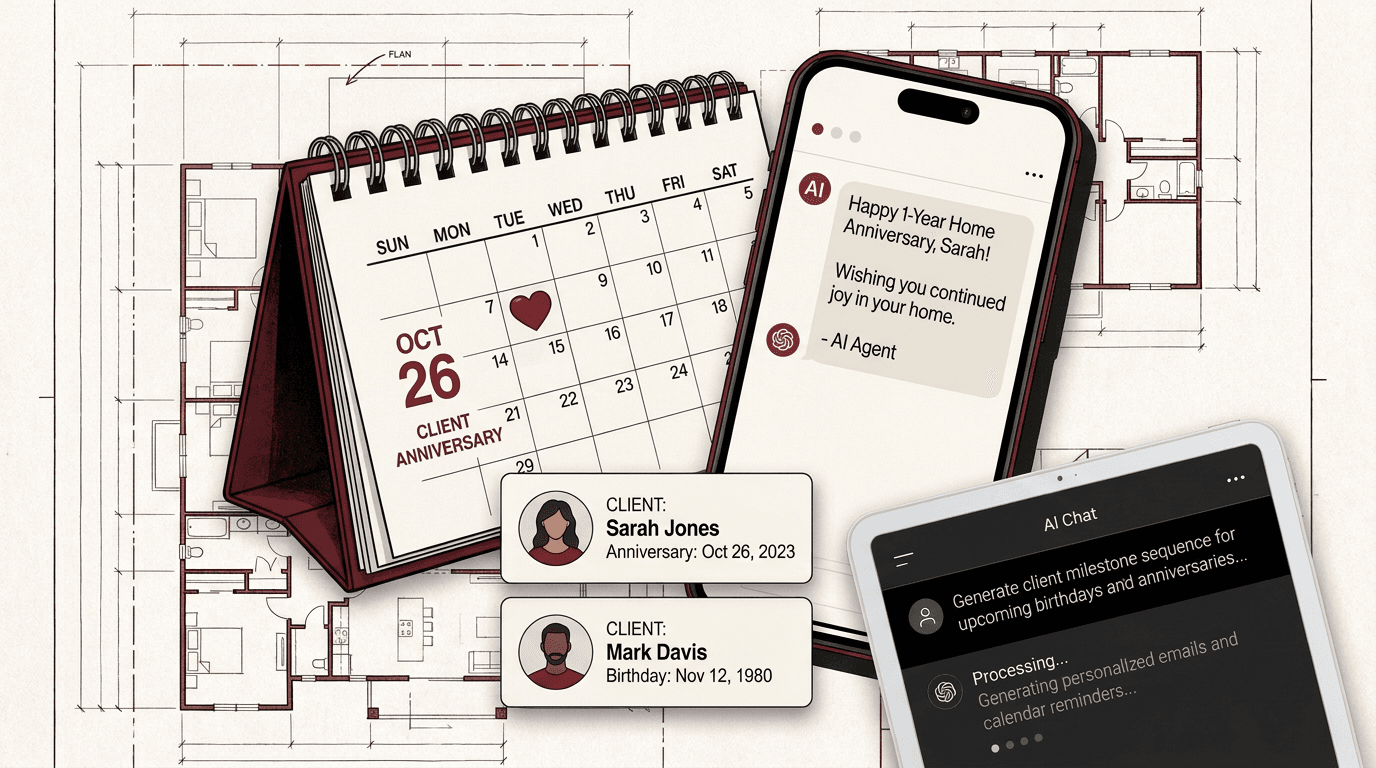
Every past client is a potential referral or repeat customer, but staying in touch manually at the right moments across hundreds of contacts is impractical. A home purchase anniversary, a birthday, or the anniversary of a first showing are natural touchpoints that clients remember. An automated sequence using ChatGPT and Zapier lets you send personalized, timely messages for every milestone without building a calendar reminder for each one.
This article walks through building a milestone automation that reads client dates from your CRM, generates a unique message with ChatGPT, and schedules it to send through your email or text platform. The setup takes an afternoon and once it runs, it keeps running.
What You Will Need
A CRM that stores client dates (home purchase date, birthday, first contact date) and has a Zapier integration. Follow Up Boss, kvCORE, BoomTown, LionDesk, and many others support this.
A Zapier account (free tier works for low volume; paid plans for higher send volumes).
An OpenAI API key (usage-based, roughly $0.01 per message at GPT-4o-mini rates).
An email platform connected to Zapier (Gmail, Outlook, Mailchimp, or a text platform like TextMagic or Twilio).
Step 1: Identify the Milestones That Matter
Not every date needs a message. Focus on the milestones most likely to produce a positive response from past clients:
Home purchase anniversary (one year, three years, five years) -- the strongest natural touchpoint. Clients remember the day they closed.
Client birthday -- a low-stakes, high-appreciation opportunity.
First showing or first contact anniversary -- a meaningful personal touch for longer relationships.
Referral anniversary -- a message thanking them for past referrals can prompt new ones.
Pick two or three to start. You can add more after the first sequence is stable.
Step 2: Set Up the Date Trigger in Zapier
Zapier can watch a CRM for dates and trigger an automation when one matches today. The exact setup depends on your CRM, but the pattern is the same.
For a CRM with date fields (Follow Up Boss, kvCORE, LionDesk):
Use Zapier's Schedule by Zapier trigger set to "Daily." Each day, Zapier looks up contacts in your CRM whose milestone date falls on today's date. Use a Zapier Search action to find contacts where Home Purchase Date equals today.
For a Google Sheets-based CRM:
Create a sheet with columns: Client Name, Email, Milestone Type, Milestone Date, Last Sent. Use Zapier's Google Sheets trigger. Each day, a Schedule trigger checks which rows have a milestone date matching today.
Pro tip: Add a Last Sent column to avoid sending duplicate messages for the same milestone year after year. The automation skips contacts where Last Sent is within the past 364 days.
Step 3: Build the ChatGPT Prompt for Personalized Messages
Set up a ChatGPT action in Zapier (OpenAI integration, Conversation or Create Message event) with this system prompt:
"You are a real estate agent's client appreciation assistant. Your job is to write short, warm, personalized messages for past clients on milestone dates. Keep each message under 150 words. Use the client's name. Reference the milestone specifically (home purchase anniversary, birthday, or referral). Include a soft invitation to reconnect. Never ask for a review directly. Sign each message with [Agent Name]."
In the user message field, map data from your CRM trigger:
"Write a milestone message for a past client."
""
"Client Name: {{Client Name}}"
"Milestone Type: {{Milestone Type}}"
"Years Since Milestone: {{Years}}"
"Generate the message body only. No subject line needed for text."
Example of what ChatGPT generates for a home purchase anniversary:
"Hi Sarah, I was looking at my calendar today and realized it has been three years since you closed on the Maple Street home. That first walkthrough where you pointed out the kitchen natural light still stands out. I hope the space has been everything you wanted. If you ever hear of anyone looking for a great neighborhood like yours, I would appreciate the introduction. [Agent Name]"
Step 4: Route the Output to Your Sending Platform
Add a third action in your Zap to deliver the message.
For email: Use Gmail or Outlook's Send Email action. Map the ChatGPT output as the body and the client's email as the recipient.
For text messages: Use a platform like TextMagic, Twilio, or Simple Texting in Zapier. Keep texts under 160 characters -- add that instruction to the ChatGPT prompt if you use SMS.
For both: Add a filter step before the send action. Skip sending if the ChatGPT output is empty or contains an error message.
Step 5: Review, Test, and Refine
Turn on the Zap with a small test group first.
Add five past client contacts with upcoming milestone dates to your CRM or sheet.
Run the Zap and check what ChatGPT produces for each.
Review the tone, length, and personalization level.
Adjust the prompt if messages feel too generic or too sales-focused.
Once you are satisfied, expand to your full client list.
Monitor for over-sending. If a client has multiple milestone dates close together, either space out your milestone types or add a Zapier filter that checks the last-sent date and skips if under 30 days.
Why This Works for Real Estate Agents
Past client outreach is one of the highest-ROI activities an agent can do, but it is also the first thing dropped when the calendar fills up. Automating the message generation and delivery removes the friction. The AI handles the writing and timing, and you keep the relationship through the minute it takes to review occasional drafts before they send.
The clients who receive a thoughtful anniversary message are more likely to refer and more likely to call you when they are ready to move again.
Frequently asked questions
Which AI tool works best for generating personalized milestone messages?+
ChatGPT (via the OpenAI API) and Claude both work well. ChatGPT is more commonly integrated with Zapier out of the box, which makes it the easier choice for agents who want a no-code setup. Either produces strong results with a well-written prompt.
Do I need a paid Zapier plan to run this automation?+
Zapier's free plan allows single-step Zaps and a limited number of tasks per month. For a multi-step workflow that includes a CRM lookup, ChatGPT generation, and email delivery, you will need at least a Starter plan (750 tasks per month). A typical agent with 200 past clients sending one message per client per year stays well within that limit.
How do I avoid sending duplicates for the same client?+
Add a Last Sent date column to your data source. In Zapier, use a Filter step that checks whether the Last Sent date is more than 364 days ago before proceeding. This prevents the same client from receiving multiple messages for the same milestone.
Is it okay to automate birthday messages, or does that feel impersonal?+
Automated birthday messages work well when they are personalized. The key is feeding the AI real data about the client and keeping the message brief. A short, warm message with the client's name and a genuine closing note reads as thoughtful, not robotic.
Can I use this workflow to send text messages instead of email?+
Yes. Zapier integrates with Twilio, TextMagic, and Simple Texting for SMS delivery. Update the ChatGPT prompt to limit output to 160 characters and remove the subject line. Test a few messages first to make sure the AI produces text-friendly content.


