How Real Estate Agents Can Use CapCut for Marketing
Mastering CapCut for Real Estate Marketing
TAThe AMS TeamEditorial Team · January 18, 2025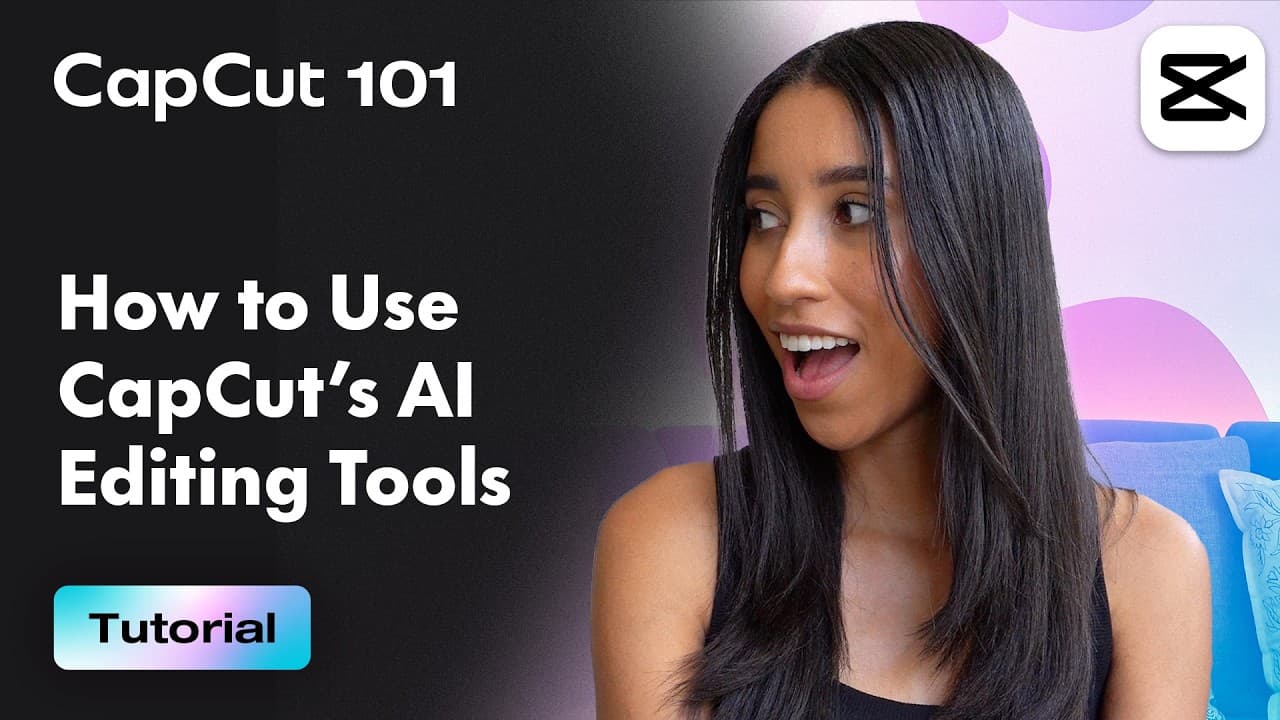
Mastering CapCut for Real Estate Marketing
The CapCut tutorial for beginners provides a guide to using this versatile video editing tool. Real estate professionals can leverage CapCut to create engaging marketing content in the following ways:
1. Property Showcase Videos: Use CapCut's video templates and stock videos to create professional property showcase videos quickly. Add customizable text templates to highlight key property features.
2. Virtual Tours: Enhance virtual tours with CapCut's transitions, filters, and effects to create a seamless and visually appealing experience for potential buyers.
3. Social Media Content: Utilize CapCut's AI-powered tools like auto-captions and text-to-speech to create accessible and engaging content for platforms like Instagram, TikTok, and YouTube.
4. Localized Marketing: Use the video translator feature to create content in multiple languages, reaching a broader audience and catering to diverse markets.
5. Short-Form Content: Convert long property walkthroughs into short, impactful videos using CapCut's AI tools, perfect for reels and stories.
6. Professional Branding: Add royalty-free background music and sound effects to enhance the professionalism of your videos. Use CapCut's color correction tools to ensure your videos look polished and vibrant.
By integrating CapCut into your real estate marketing strategy, you can create high-quality, engaging content that captures the attention of potential buyers and showcases properties effectively.
Sign up for CapCut here
Here is a video on How to Use CapCut's AI Editing Tool \| CapCut
Frequently Asked Questions: Getting Started with CapCut
- Is CapCut free to use? Yes, CapCut is free to download and use. While there are some premium features available, the free version offers extensive editing capabilities suitable for real estate marketing.
- Which devices can I use CapCut on? CapCut is available for both mobile devices (iOS and Android) and desktop computers (Windows and Mac). You can download it from your device's app store or the official CapCut website.
- How do I import my real estate videos into CapCut? Open CapCut and click "New Project." Then select the videos or photos you want to edit from your device's gallery. You can import multiple files at once and arrange them in your preferred order.
- What are the recommended video dimensions for different social platforms? • Instagram/Facebook Stories: 1080x1920 (9:16) • Instagram Feed: 1080x1080 (1:1) or 1080x1350 (4:5) • TikTok: 1080x1920 (9:16) • YouTube: 1920x1080 (16:9)
- How can I add my branding to videos? You can add your logo, watermark, and custom colors through CapCut's overlay and sticker features. Save these elements as templates for consistent branding across all your videos.
- How do I save and export my finished videos? Click the "Export" button in the top right corner. Choose your preferred quality and format. You can save directly to your device or share to social media platforms.
💡 Pro Tip: Start with short, simple projects to familiarize yourself with the interface before attempting more complex property showcase videos.
Capcut is an app agents can use for editing their videos
Sign up for CapCut here
Frequently asked questions
Is CapCut free to use?+
Yes. CapCut is free to download and use. Premium features exist, but the free version covers the editing you need for real estate marketing.
Which devices can I use CapCut on?+
CapCut runs on iOS and Android mobile devices as well as Windows and Mac desktops. Download it from your device's app store or the official CapCut website.
How do I import my property videos into CapCut?+
Open CapCut and click New Project, then select the videos or photos from your device gallery. You can import multiple files at once and arrange them in the order you want.
What video dimensions should I use for each platform?+
Instagram and Facebook Stories: 1080x1920 (9:16). Instagram feed: 1080x1080 (1:1) or 1080x1350 (4:5). TikTok: 1080x1920 (9:16). YouTube: 1920x1080 (16:9).
How do I add my branding to videos?+
Add your logo, watermark, and custom colors using the overlay and sticker features, then save those elements as templates so your branding stays consistent across every video.
How do I export my finished video?+
Click the Export button in the top right corner, choose your quality and format, then save to your device or share straight to a social platform.
Can CapCut turn a long walkthrough into short-form content?+
Yes. The AI tools convert long property walkthroughs into short videos suited to reels and stories, and auto-captions make them easier to watch without sound.