
How Real Estate Agents Can Use Granola for Better Meeting Notes
Granola helps real estate agents turn client calls, listing appointments, and team meetings into organized notes and follow-up tasks. This guide explains the free plan, the main features, and a simple way to get started.
TAThe AMS TeamEditorial Team · August 24, 2026
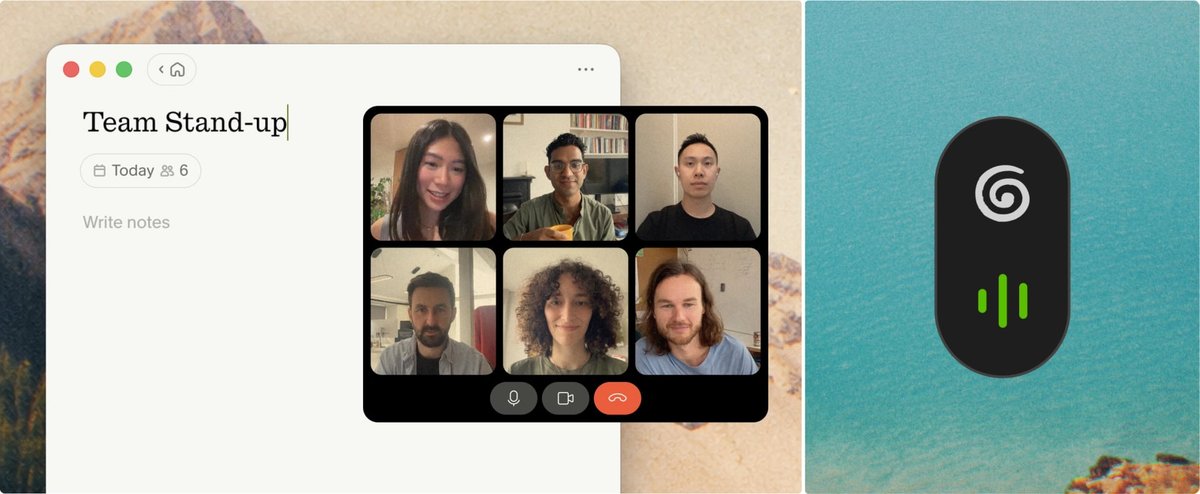
Granola is an AI notepad that can help real estate agents stay present during conversations without losing the details they need for follow-up. It works with Zoom, Google Meet, Microsoft Teams, other meeting apps, and in-person conversations through its mobile apps.
Visit Granola and start for free
What is Granola?
Granola is built around a simple idea: you take light notes during a meeting while the app transcribes in the background, then its AI turns the conversation and your notes into a clearer summary. Unlike many meeting assistants, Granola does not add a visible bot to the call. It uses audio from your device and must be started manually for each meeting.
Granola can help before, during, and after a conversation. It can connect to your calendar, prepare a brief for an external meeting, capture the discussion, organize notes, identify action items, and help draft follow-up material. Notes are private by default and can be shared when you choose.
Where Granola can help a real estate agent
Buyer consultations
Use Granola to capture a buyer's goals, preferred areas, timing, financing questions, and next steps. After the meeting, review the summary before adding confirmed information to your CRM or sending a recap.
Listing appointments and seller updates
A listing conversation can cover pricing, preparation, photography, showing instructions, offer strategy, and responsibilities. Granola can turn the discussion into a cleaner record so you can verify the details and send an organized follow-up.
Lender, title, inspection, and vendor calls
Calls with service partners often produce several small commitments. Use the notes to identify who agreed to do what, then confirm dates and responsibilities before moving anything into your transaction system.
Team meetings and coaching calls
Granola can help capture decisions, action items, and questions during team meetings, brokerage training, and coaching sessions. Its AI chat can also help you search across meetings that remain available in your account.
In-person meetings
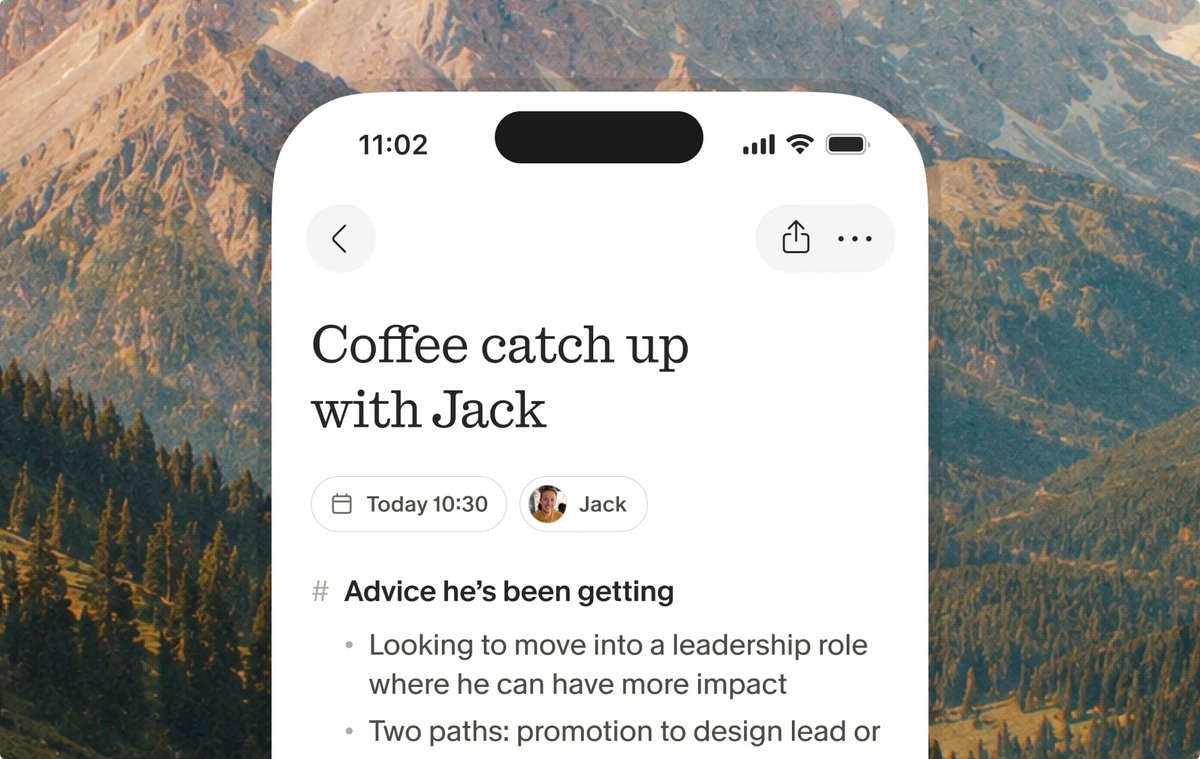
Granola is available on iOS and Android for coffee meetings, conferences, walking meetings, and other in-person conversations.
How to use Granola: a short step-by-step guide
1. Start with the free plan
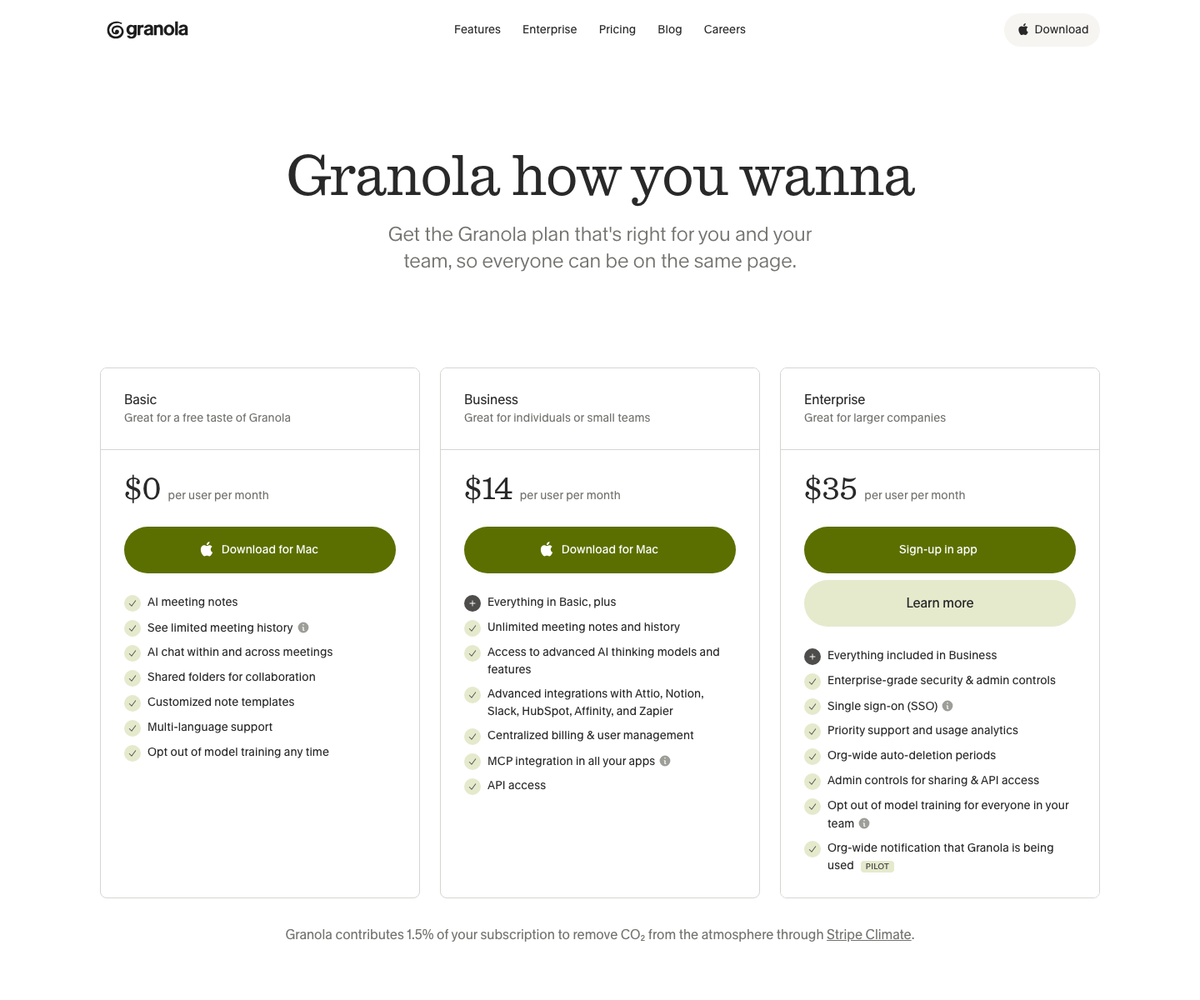
Go to Granola and choose the free download for your device. The Basic plan is listed at $0 per user per month, so you can test the workflow before deciding whether a paid plan makes sense.
2. Connect your calendar
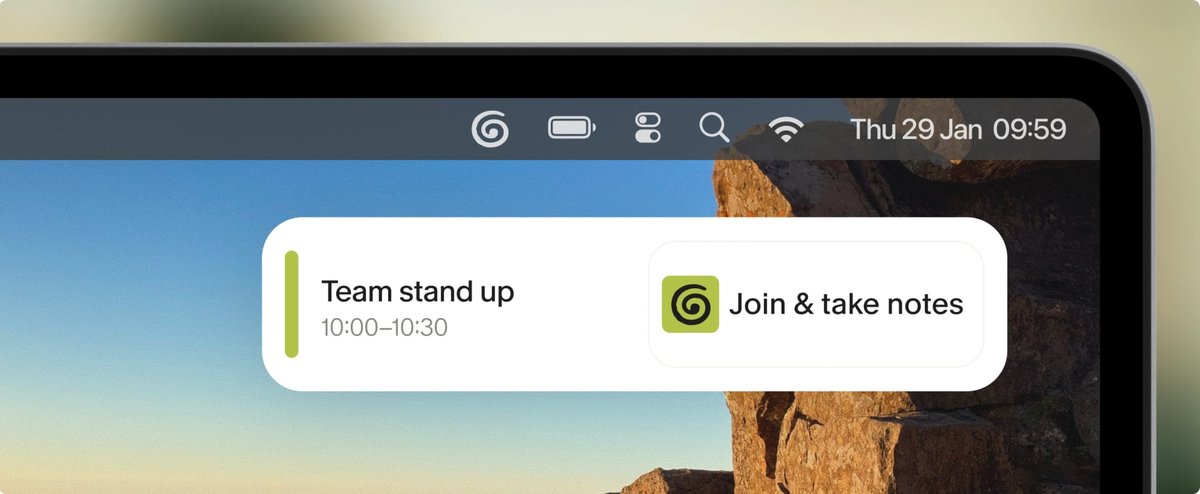
Sign in with Google Workspace or Microsoft and allow the calendar connection you want to use. Granola can detect upcoming meetings and present a notification that lets you start a note.
3. Create a simple real estate note template
Start with sections such as Client Goals, Property Details, Questions, Decisions, Next Steps, and Follow-Up Date. Granola lists customized note templates as part of its Basic plan, so you can create a repeatable structure for buyer consultations, listing appointments, or weekly team meetings.
4. Tell everyone and start the note
Give participants a clear verbal heads-up before Granola begins transcribing. Granola also offers transparency features for supported online meeting platforms. Recording and transcription requirements vary by location and situation, so follow applicable law, your brokerage policy, and the expectations of everyone in the meeting.
5. Take light notes while you listen
Write down the points that matter most to you instead of trying to capture every sentence. Granola combines your notes with meeting context to produce a fuller set of notes after the conversation.
6. Review before you act or share
Check names, dates, property details, prices, deadlines, and commitments. AI-generated notes can be wrong or incomplete, so treat them as a draft. Once verified, use the notes to prepare a client recap, update your CRM, create tasks, or share selected information with your team.
What is included in Granola's free plan?
Granola's pricing page lists its Basic plan at $0 per user per month. At the time of publication, the plan includes:
- AI meeting notes
- Limited meeting history
- AI chat within and across meetings
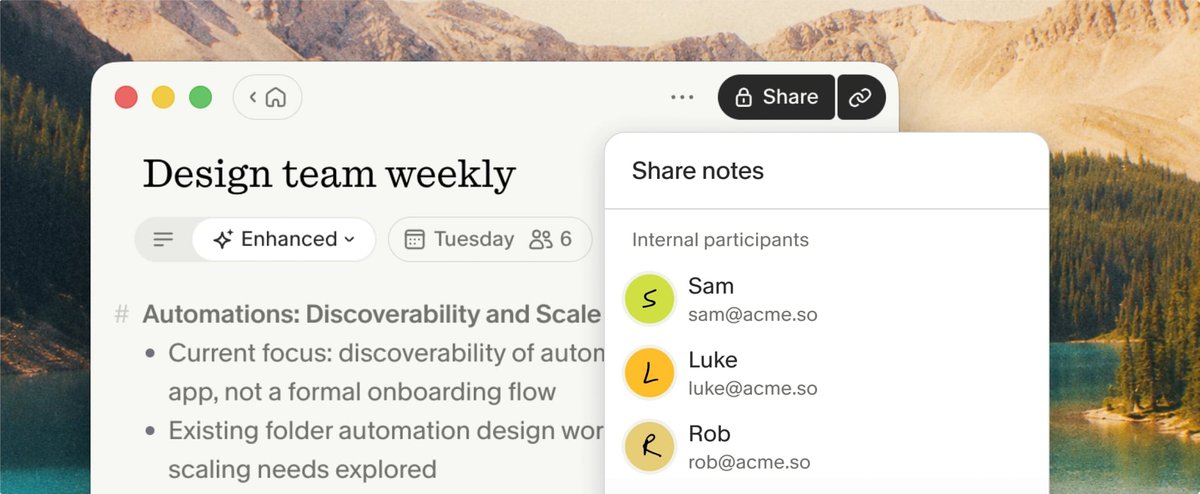
- Shared folders for collaboration
- Customized note templates
- Multi-language support
- The option to opt out of model training
Granola's homepage says users can take unlimited meeting notes for free, while older note access is limited. The company says upgrading lets users view and work with notes older than 30 days. Features and pricing can change, so check Granola's pricing page before choosing a plan.
A little more about the company
Granola, Inc. describes the product as an AI-powered notepad for meetings. In a company post, cofounder and CEO Chris Pedregal wrote that the team began forming in early 2023 and launched Granola in May 2024. The company says the product is designed to keep the person involved in the note-taking process instead of replacing that judgment with an automated bot.
Granola is available for macOS, Windows, iOS, and Android. Its website also identifies the company as being made in Shoreditch.
Privacy and client communication
Granola says notes are private by default and that users choose when to share them. Its security page says meeting audio is not stored, but transcripts and user notes are stored. It also says third-party AI providers are not allowed to use customer data to train their models, while Granola may train on anonymized data unless the user opts out in Settings.
Real estate conversations can include financial, personal, and transaction information. Review Granola's current security information, your brokerage's technology policy, and applicable consent requirements before using it with clients.
Try it on one low-risk meeting
The easiest way to evaluate Granola is to use the free plan for a team meeting or another low-risk conversation. Compare the generated notes with your own notes, check the action items, and decide whether the workflow saves you time without compromising accuracy or client trust.
Frequently asked questions
Is Granola free for real estate agents?+
Yes. Granola lists a Basic plan at $0 per user per month. It includes AI meeting notes, limited meeting history, AI chat, shared folders, customized templates, multi-language support, and an opt-out for model training. Check the current pricing page because plan details can change.
Does Granola join a Zoom meeting as a bot?+
No. Granola says it uses audio from your device and does not add a meeting bot to Zoom, Google Meet, Microsoft Teams, or other meeting platforms.
Can Granola be used for in-person real estate meetings?+
Yes. Granola offers iOS and Android apps for in-person conversations such as coffee meetings, conferences, and walking meetings. Tell participants before transcribing and follow applicable consent requirements.
Can Granola write a real estate follow-up email?+
Granola can use meeting context to help draft follow-up material. Review every draft carefully, especially names, dates, property facts, prices, and commitments, before sending it to a client or partner.
Does Granola store meeting recordings?+
Granola's security page says it does not store meeting audio. It stores the transcript and notes you provide. Review the company's current security and privacy documentation before using it for sensitive client conversations.
What kinds of real estate meetings work well with Granola?+
Possible uses include buyer consultations, listing appointments, seller updates, calls with lenders or vendors, team meetings, and coaching sessions. Start with a low-risk meeting and verify the output before using it in client-facing workflows.


