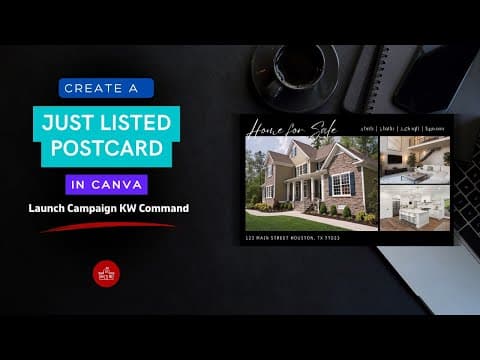
How to Create a Just Listed Flyer in KW Command (Step-by-Step for Real Estate Agents)
TAThe AMS TeamEditorial Team · April 3, 2026Creating a Just Listed flyer in KW Command is easier than you think, and it’s one of the fastest ways to market your new listing. In this quick tutorial, I’ll walk you through the exact steps to design and download a professional flyer right inside Command, no extra tools needed.
You’ll learn: • Where to find flyer templates in Command • How to customize your flyer with photos and property details • How to download or print your flyer to use in your next listing presentation
Whether you’re new to KW Command or just need a refresher, this walkthrough will save you time and help you look polished and prepared in front of clients.
What is KW Command? KW Command is Keller Williams’ all-in-one platform designed to help real estate agents manage contacts, run marketing campaigns, track transactions, and grow their business, all from one place. The Designs applet inside Command lets you easily build flyers, social posts, and more without needing graphic design experience.
Whether you’re promoting a weekend open house or building your listing portfolio, this is a simple way to stand out and impress your clients.