Introduction to Captions
Here is a video on how to use Captions AI
TAThe AMS TeamEditorial Team · January 15, 2025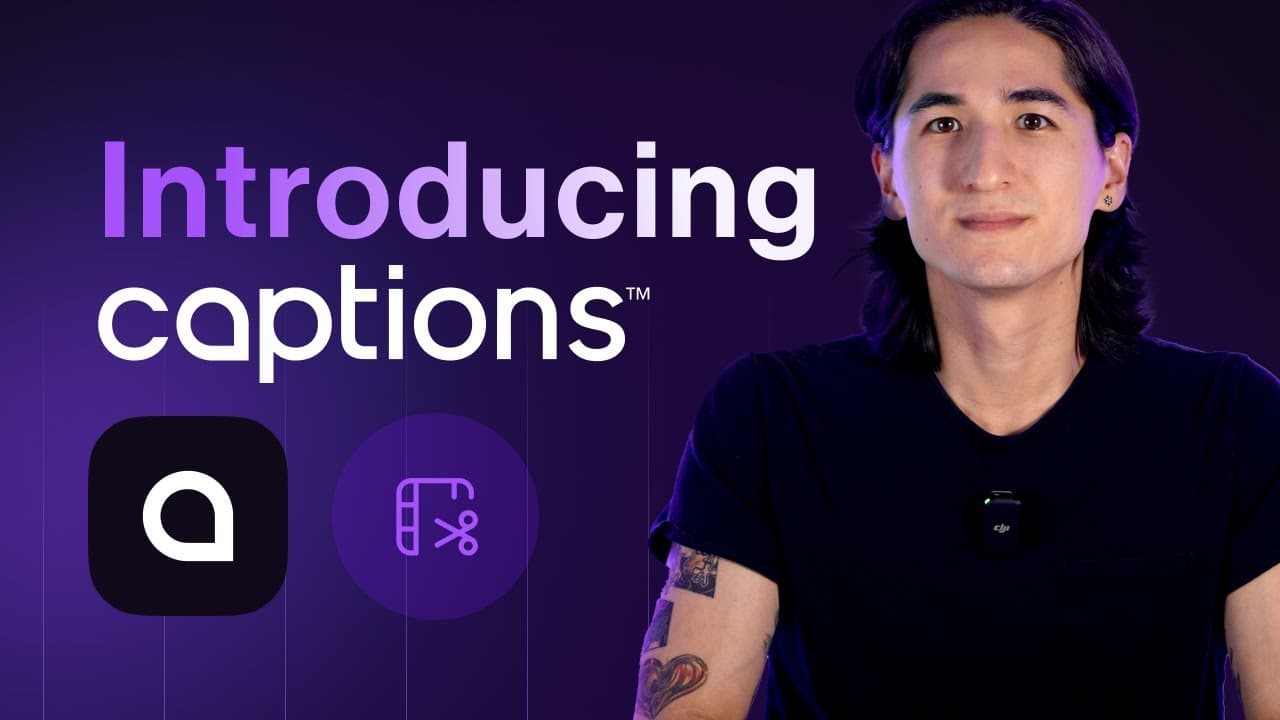
Introduction to Captions: Your AI-Powered Video Creative Studio
Here is a video on how to use Captions AI
Introduction
Captions is an innovative AI-powered video creative studio designed to help users generate and edit engaging videos efficiently and at scale. Whether you're a real estate agent looking to create captivating property tours or a marketer aiming to enhance your social media presence, Captions offers a suite of tools to streamline your video production process. Available on iPhone, Android, and Desktop, Captions is accessible wherever you are.
Step-by-Step Instructions for Using Captions App
1. Upload Your Video
- Open the Captions app on your iPhone, Android, or desktop.
- Tap "Upload" and select the video from your device.
- The app will process the video for editing.
2. Generate Captions Automatically
- Once uploaded, the app will auto-generate captions in the language spoken in the video.
- Review the captions for accuracy, you can manually edit words if needed.
- Adjust the caption style, size, and position to match your branding.
3. Use AI-Powered Editing (Optional)
- Tap "Magic Edits" or "AI Jump Cuts" to clean up pauses, filler words, or hesitations.
- Select "Auto Zoom" for dynamic framing that enhances engagement.
- Try "AI Face Tracking" to keep the speaker centered in the frame.
4. Add Enhancements (Optional)
- Text & Emojis: Highlight key phrases with animated text or emoji overlays.
- Branding Elements: Add your logo or watermark for a professional touch.
- Background Music: We recommend using trending music or audio from Instagram, TikTok, or other social media platforms to increase reach and engagement.
5. Export & Share
- Tap "Export" and choose the desired resolution.
- Save the video to your device or directly share it to platforms like Instagram, TikTok, or YouTube.
Key Takeaways
- Captions.ai offers a comprehensive suite of AI tools to simplify video creation and editing.
- Features like AI Creator, Video Shorts, and Script Generator provide versatility for various real estate marketing needs.
- Captioning and dubbing options enhance video accessibility and expand your audience reach.
Sign up to Captions here
FAQs
1. What devices support Captions?
Answer: Captions is available on iPhone, Android, and Desktop, making it accessible for users on multiple platforms.
2. Can I create scripts within the app?
Answer: Yes, the Script Generator allows you to create scripts based on prompts, perfect for crafting detailed property descriptions or market updates.
3. How do I caption and dub videos?
Answer: Use the Caption feature for same-language captions and the Dub feature to translate and dub videos into different languages, enhancing accessibility.
4. What editing features are available?
Answer: Captions offers AI-powered editing features such as trimming, enhancing audio, adding music, and more to refine your videos.
5. How do I export my videos?
Answer: After subscribing to a plan, use the export option to save and share your project across your marketing channels.
By leveraging Captions, you can improve your real estate marketing strategy with professional, engaging videos that captivate your audience. Happy creating!
Sign up to Captions here
How to Write a YouTube Script with AI using Captions
Here is a video on how to use Captions AI to generate a Youtube Script
In this video, you'll discover how to create YouTube scripts specifically for real estate agents using AI. Coming up with fresh content ideas to market your listings or share real estate insights can be a challenge, but with Captions' AI Script Generator, you can overcome writer's block in just a tap.
Simply input a prompt, select a template tailored for real estate professionals, and customize it to fit your style and audience. Whether you're highlighting a new listing, sharing market updates, or giving home-buying tips, you'll generate the perfect script every time. Make any adjustments you'd like to reflect your unique brand, and you're ready to record and captivate your audience!
Sign up to Captions here
Here is an example video we created.
Frequently asked questions
What devices support Captions?+
Captions runs on iPhone, Android, and desktop, so you can work from wherever you record.
How do I add captions to a video?+
Upload the video in the app and it auto-generates captions in the language spoken. Review them for accuracy, edit any words by hand, then adjust the style, size, and position to match your branding.
Can I write scripts inside the app?+
Yes. The Script Generator creates scripts from a prompt, which works well for property descriptions, market updates, and home-buying tips.
Can Captions translate my videos into other languages?+
Yes. The Caption feature handles same-language captions, and the Dub feature translates and dubs the video into other languages.
What AI editing features are available?+
Magic Edits and AI Jump Cuts clean up pauses and filler words, Auto Zoom adds dynamic framing, and AI Face Tracking keeps the speaker centered in frame.
How do I export and share my video?+
Tap Export, choose your resolution, then save to your device or share directly to Instagram, TikTok, or YouTube. Exporting requires an active plan.