How to Maintain Personal Brand Consistency with AI Templates
Your brand assets should look like they came from the same agent, not a stack of mismatched templates. Here is how to use ChatGPT to create and manage brand-consistent templates for your social posts, property flyers, email signatures, and listing presentations.
TAThe AMS TeamEditorial Team · September 10, 2026
How to Maintain Personal Brand Consistency with AI Templates
When a prospect sees your flyer, your Instagram post, and your email signature in the same week, those three pieces should feel like they came from the same agent. Inconsistent branding (different fonts, mismatched colors, scattered logo placement) signals disorganization even when your service is top notch. Fixing that inconsistency used to mean hiring a designer or learning design software yourself. Now you can use ChatGPT to build and maintain your own brand template system.
This article walks through a four-step workflow: define your brand rules in a reference document, convert those rules into reusable templates, build a repeatable content process for each template type, then keep everything current with a quarterly review.
Step 1: Write your brand rules as a ChatGPT reference document
ChatGPT needs to know your brand before it can write for it. Create a brand reference document that captures the following.
Your color palette
List the exact hex codes for your primary color, secondary color, accent color, and text color. Most agents pick one or two main colors plus a neutral. An example palette might be Primary #1A3C6E (navy), Secondary #C49A6C (gold), Text #333333 (dark gray), Background #FFFFFF (white).
Your fonts
Name the fonts you use for headings and body text. If you do not have a specific brand font, pick from Google Fonts pairs that work well together. A common combination is Playfair Display for headings and Lato for body copy.
Your logo usage rules
Note where the logo goes on each asset type. A flyer might have the logo top left. A social post might have it bottom center. An email signature might have it left aligned next to your contact block.
Your voice
Describe how you sound on paper. Are you professional, conversational, warm, direct? What phrases do you use and which ones do you avoid? Give a sample sentence. 'I help first-time home buyers in the Memorial area find homes under $500K' is more useful than 'I am passionate about real estate.'
Store this document as a text file or a ChatGPT custom instruction. If you use ChatGPT's project feature, upload the document to the project knowledge so every chat in that project can reference it.
Step 2: Convert brand rules into reusable templates
With your brand rules documented, ask ChatGPT to build a template for each asset type you produce regularly.
Social post template
Tell ChatGPT your brand rules and ask it to create a structured social post template with fields for headline, body, call to action, and hashtag set. Each new post follows the same structure so the look and length stay consistent.
Property flyer template
Ask ChatGPT to write a flyer layout outline that includes listing address, price, key features, agent contact, and your brand footer. The outline becomes the brief you hand to a designer or the format you follow in Canva.
Email signature template
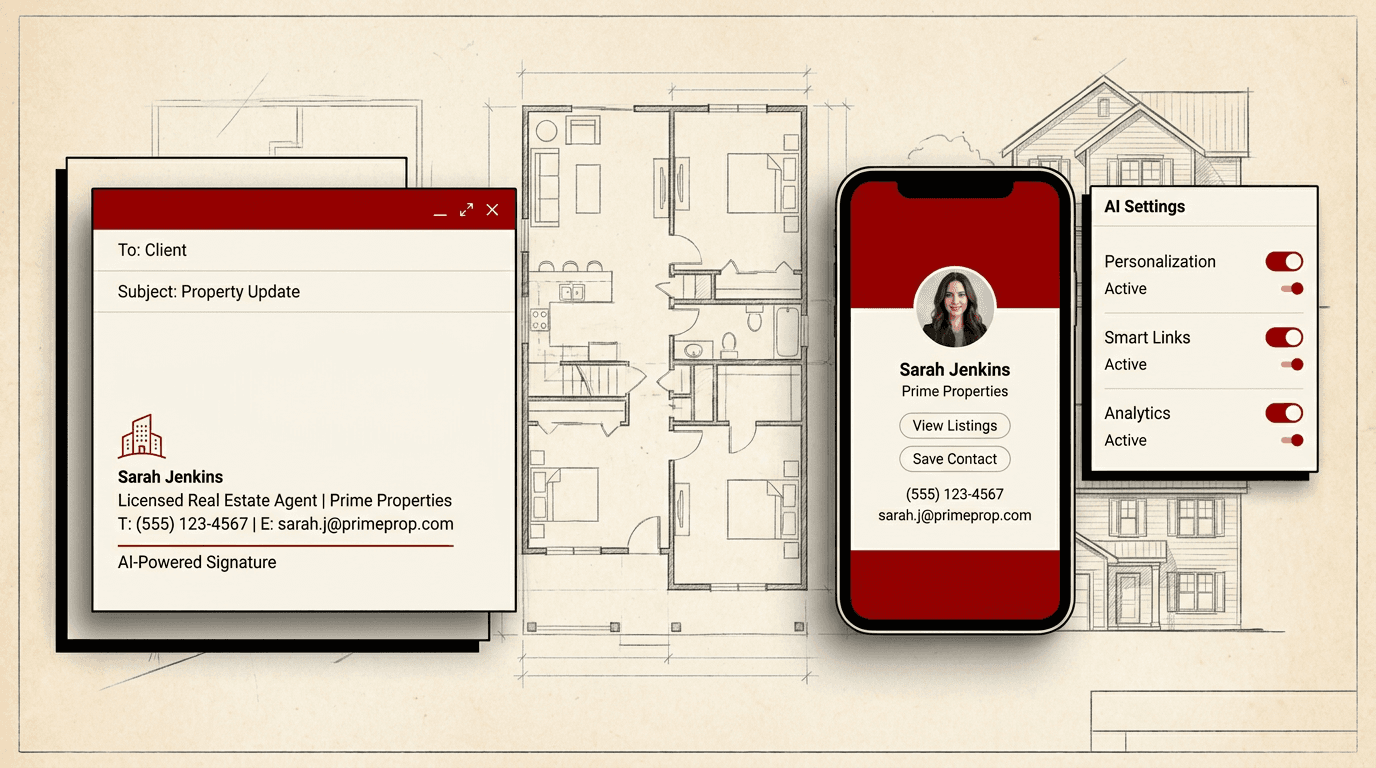
Ask ChatGPT to write your email signature in plain text and HTML formats using your brand colors and fonts. Most email clients accept HTML signatures, and having a brand-consistent signature is one of the cheapest ways to look professional.
Listing presentation template
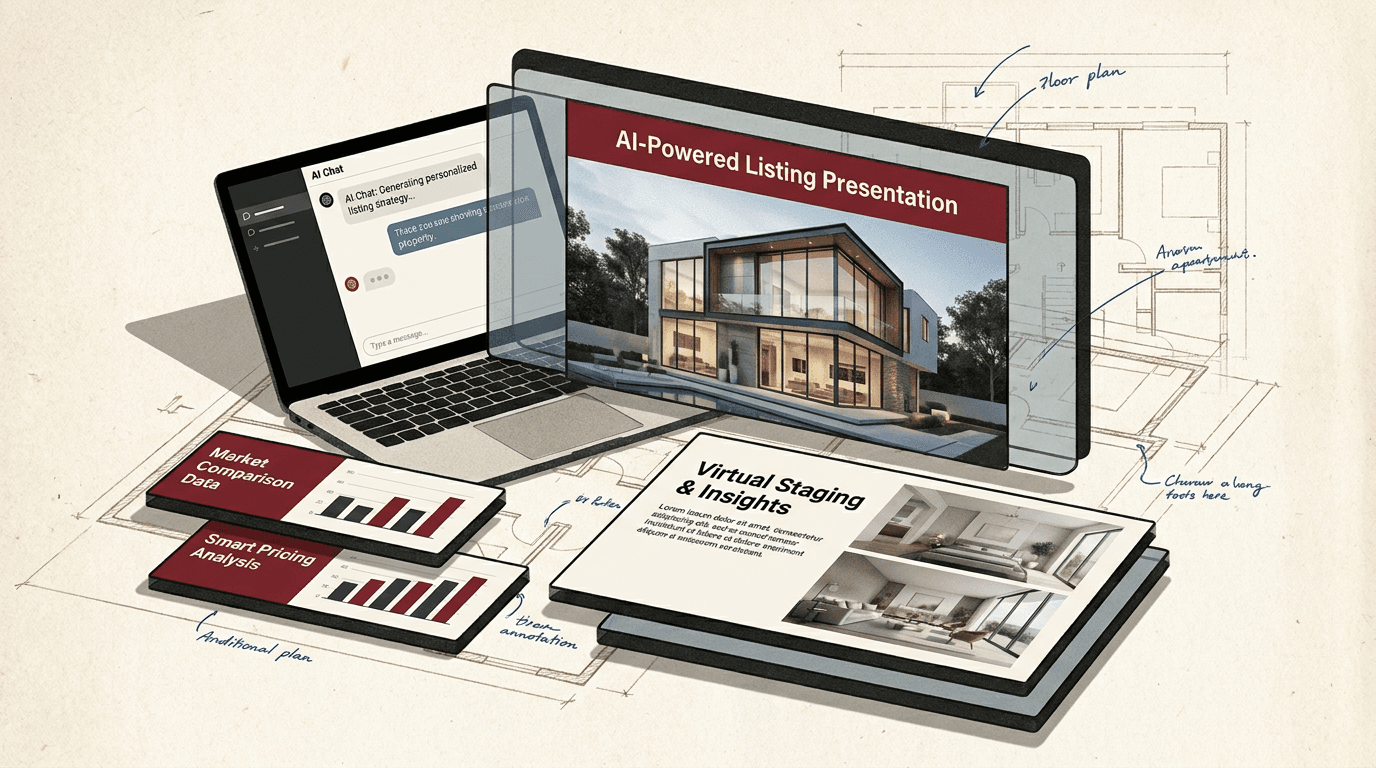
Ask ChatGPT to outline a standard deck: cover slide, about you, market overview, property highlights, marketing plan, commission, next steps. Each slide gets a consistent header style, color block, and footer.
Step 3: Create a repeatable content process for each template type
A template only helps if you use it. Set up a repeatable process for each asset type.
For social posts, keep the template open in a dedicated ChatGPT project chat. Each week, paste your topic or promotion into the template fields. ChatGPT fills in the headline, body, and call to action. Copy the result into Canva (with your brand kit already loaded) or into your scheduling tool. Five minutes per post.
For flyers, use the same approach but expect more editing. ChatGPT generates the copy blocks and layout notes. You place them into your design tool. The value is not saving design time, it is keeping the structure uniform so every flyer addresses the same sections in the same order.
For email signatures, the heavy lifting is done. The HTML version you created in step 2 works until you change your brand. Update it once a quarter when you review your brand.
For listing presentations, keep the deck outline as a project file. Each new listing, have ChatGPT fill in the property details, market data, and marketing plan. The slide structure stays the same, so prospects see the same professional format every time.
Step 4: Review and refresh quarterly
Set a quarterly reminder to review your brand templates. Colors and fonts rarely change, but your message does. Update your voice section if you have shifted your niche, added a new service, or changed your geographic focus.
A quarterly review also catches format drift. If you have been deviating from your template structure (a longer headline here, a missing logo there), the review brings you back.
Frequently asked questions
What is a personal brand for a real estate agent?+
A consistent visual and messaging identity across all marketing. It includes your logo, color palette, fonts, photography style, and the way you describe your services so a client recognizes you whether they see a flyer, an Instagram post, or an email signature.
Can ChatGPT generate design layouts?+
ChatGPT cannot produce images or design files, but it can write detailed layout descriptions and copy blocks that you paste into Canva, Adobe Express, or a similar tool. Use ChatGPT for the copy and structure; use your design tool for the visuals.
How do I stop ChatGPT from changing my brand voice?+
Save your brand rules as a ChatGPT custom instruction or as a project knowledge document. In every new conversation, paste the rules in the first message. The assistant follows them for the rest of that chat.
What counts as a brand-consistent template?+
A template that uses your specific hex color codes, your chosen fonts, your logo placement, and your voice. The test is simple: if you put a flyer and a social post side by side, does a prospect see the same agent behind both?
How often should I review my brand templates?+
Once per quarter. Colors and fonts stay stable but your value proposition shifts. A quarterly review keeps your message aligned with what you actually offer today.