Remove Your Headshot Background Easily on KW Command Design
TAThe AMS TeamEditorial Team · March 10, 2024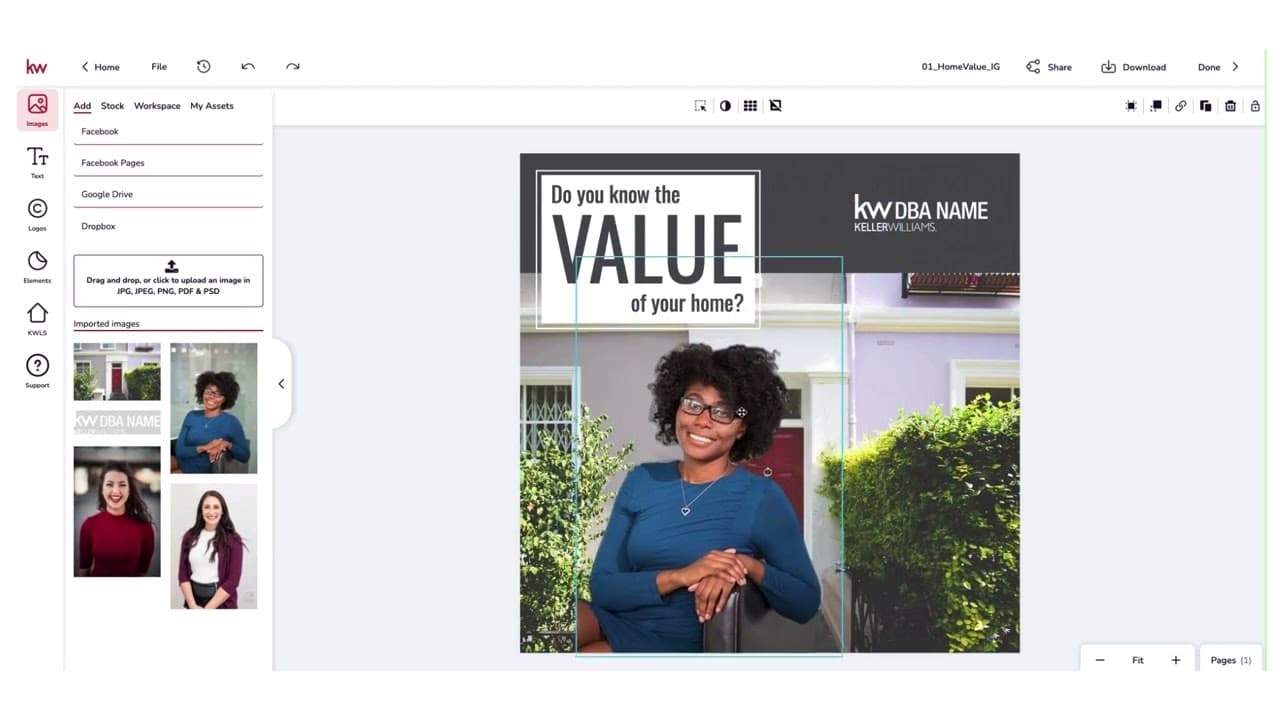
You do not need a separate design tool to clean up a headshot. KW Command's Designs section has a built-in background remover, so you can upload your photo, drop the background, and use the result across your marketing without leaving Command. The video below walks through the process.
Frequently asked questions
Do I need Canva or Photoshop to remove a headshot background?+
No. KW Command's Designs section includes a built-in background remover, so you can do it in Command without a separate design tool.
Where is the background remover in Command?+
In the Designs section of KW Command, the same area you use to build social graphics, flyers, and other marketing materials.
What can I use the finished headshot for?+
Anywhere your branding shows up: social media profiles, marketing materials, flyers, and graphics you build in Command's Designs section.
Can I do the same thing in Canva?+
Yes. Agent Marketing School has a separate walkthrough for removing a headshot background in Canva if that is the tool you already work in.