How to Use Claude's Gmail & Google Drive Connectors for Real Estate
Claude can now read, draft, and send emails in Gmail and manage files in Google Drive, with you in control of every send. Here's how real estate agents can put the new Claude Connectors to work on listings, follow-ups, and client paperwork.
TAThe AMS TeamEditorial Team · August 18, 2026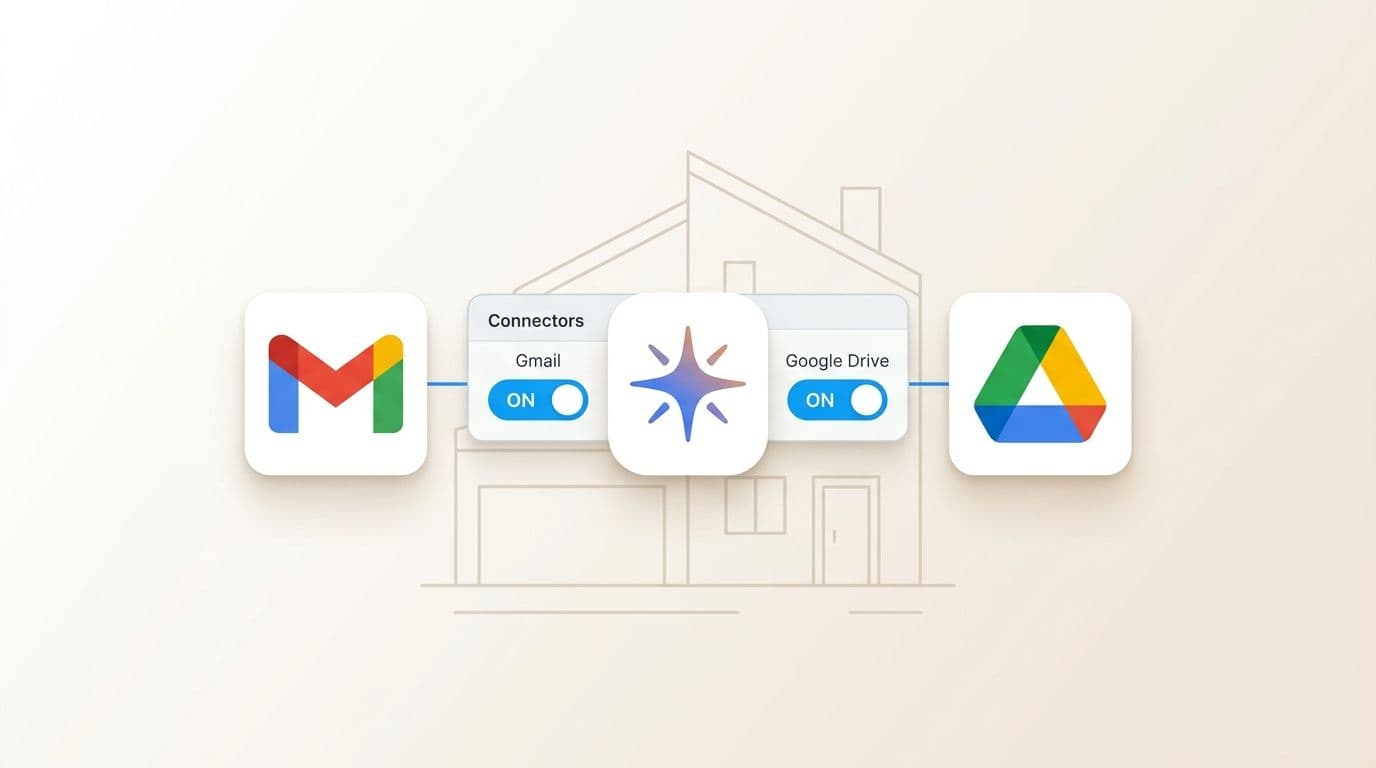
Claude can now connect to your Gmail and Google Drive
Anthropic's Claude just added Google Workspace Connectors. In short: you can connect your Gmail and Google Drive to Claude, and it can read threads, draft replies, send emails, and manage files, with your approval on every action you choose to gate.
You stay in control:
- Turn Gmail and Google Drive on or off from the Connectors menu.
- Pick what Claude may do, including whether it needs your approval before hitting send.
- It only works from paid Claude plans (Pro, Max, Team, Enterprise).
This is a genuinely useful upgrade for real estate pros, who spend their days in email and document sorting. Let's look at what it can do for you.
Sending emails: reply to a thread, send it with your OK
The cleanest demo: ask Claude to reply to an email thread and send the reply.
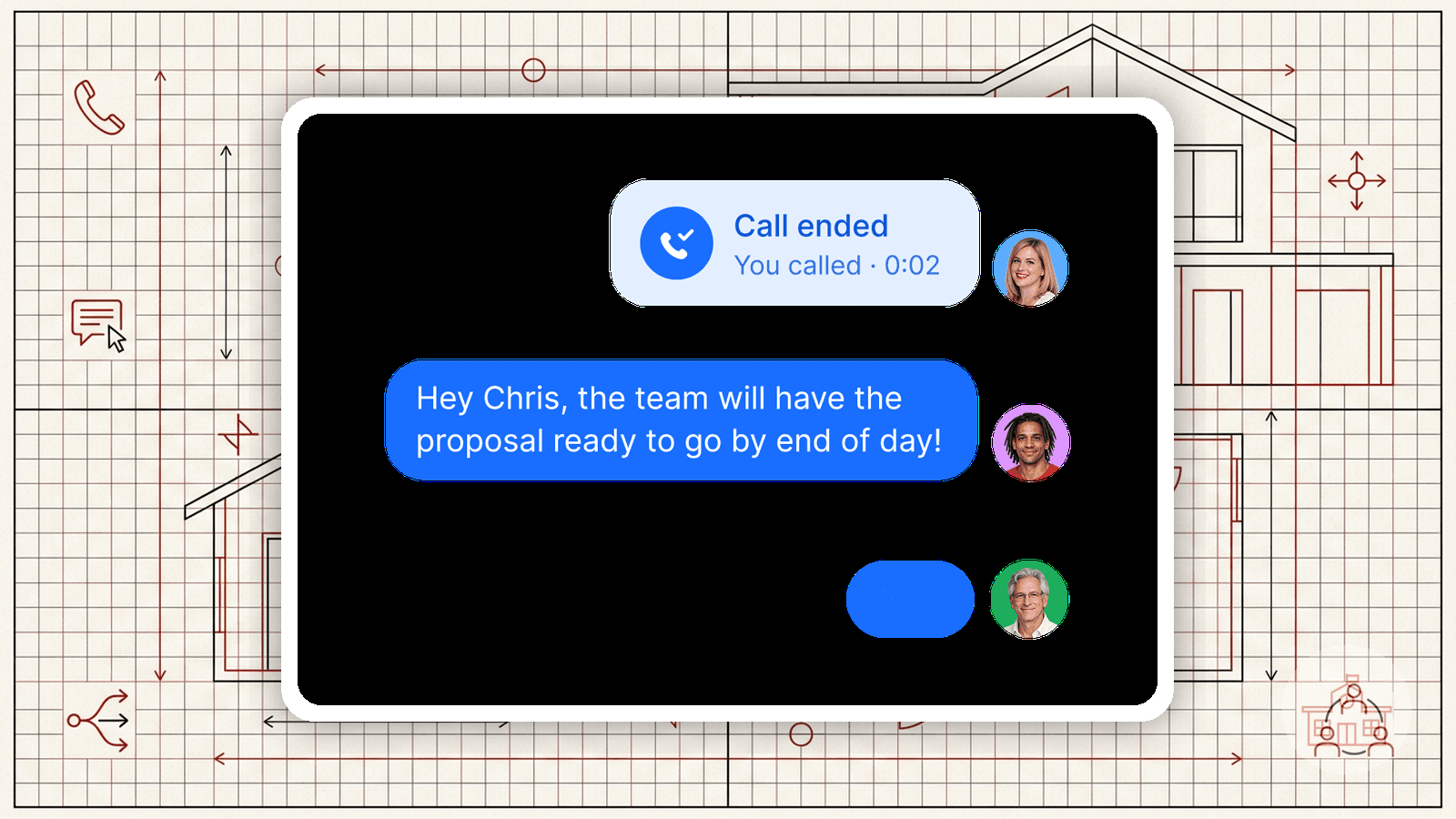
Example from the announcement: "Reply to Maya’s questions about the offsite, and send it." Claude reads the thread, drafts a reply, checks it with you, and sends on your command.
For agents, that means:
- Faster-client follow-ups. A buyer asks, "does the price include the appliance?" Claude drafts a clear response from your notes; you approve.
- Pre-listing sprints. Reply to showing requests and price inquiries from one pipeline, approving each send.
- Cleaner tone. Drafts come out in a professional real estate voice. You refine "the deal is pending" into something the buyer actually wants to read before it goes out.
Approvals keep you in charge. You set the rule: Claude drafts, you approve. No accidental sends to a buyer or your brokerage.
Managing the files that pile up in Drive
Every transaction lands in Drive: listing agreements, disclosures, inspection reports, closing docs, home-showing notes. Claude's Drive connector can:
- Pull the right doc when you ask, "find the inspection report for 123 Oak St."
- Sort files into folders by property, client, or stage of the deal.
- Rename and keep tidy so you stop hunting for the current version.
Think of it as a transaction-closing assistant that already knows exactly where everything lives.
How to set it up (3 steps)
- Update to a paid plan. The connectors need a paid Claude subscription.
- Open the Connectors menu in Claude (or chat, "connect my Gmail", and Claude opens the connector manager).
- Toggle Gmail and Google Drive on. Grant the access you’re comfortable with, set your approval preference (recommend: approve before any email is sent), and try: "Reply to the last message from that buyer and send it."
Review the first few replies Claude drafts. Refine on the spot, and you'll have a consistent, safe routine in under an hour.
A note on privacy & control
Connect only what your practice requires. Keep your approval on for sends. Turn it off anytime from the same menu. It's automation with a human hand guarding the deal.
Frequently asked questions
Does Claude's Gmail integration send emails automatically?+
Only if you let it. Turn on the Gmail connector and set your preference, and we recommend requiring approval before any email is sent. Claude drafts, you review, you approve.
Is the Google Drive + Gmail feature free?+
No. The Google Workspace Connectors for Claude are available on paid Claude plans (Pro, Max, Team, and Enterprise).
How do I turn the connectors on for my Gmail?+
Open Claude's Connectors menu, toggle Gmail (and Google Drive) on, and grant the connection. You can turn them off anytime.
Can Claude manage files in my Google Drive?+
Yes. Once Drive is connected, Claude can locate, sort, rename, and organize files, which are handy for real estate disclosure documents, inspection reports, and contract paperwork.
Is it safe for a real estate agent to use?+
It's secure and yours. You decide exactly what Claude can access and when it needs approval. Keep approval on for sends and grant only the access your practice requires.