KW Command SmartPlans
SmartPlans is an essential tool for real estate professionals looking to streamline their marketing and communication efforts. By automating tasks such as listing checklists,…
TAThe AMS TeamEditorial Team · January 26, 2025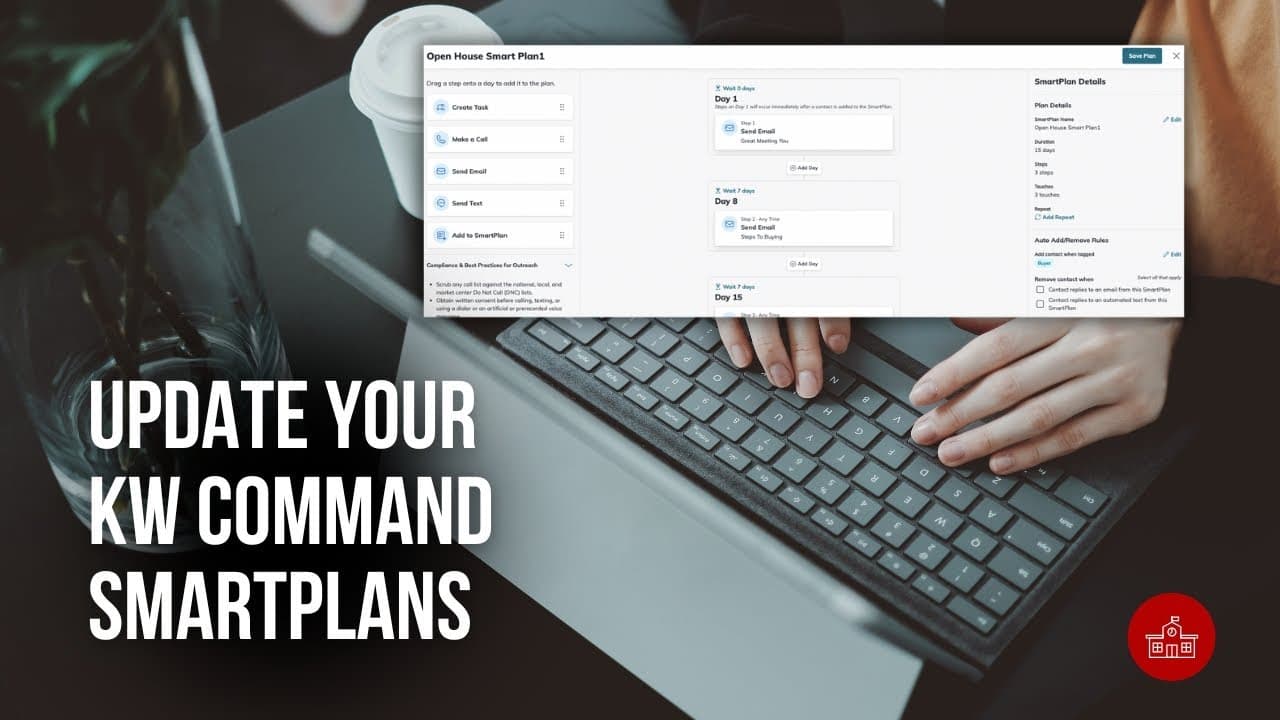
Introduction
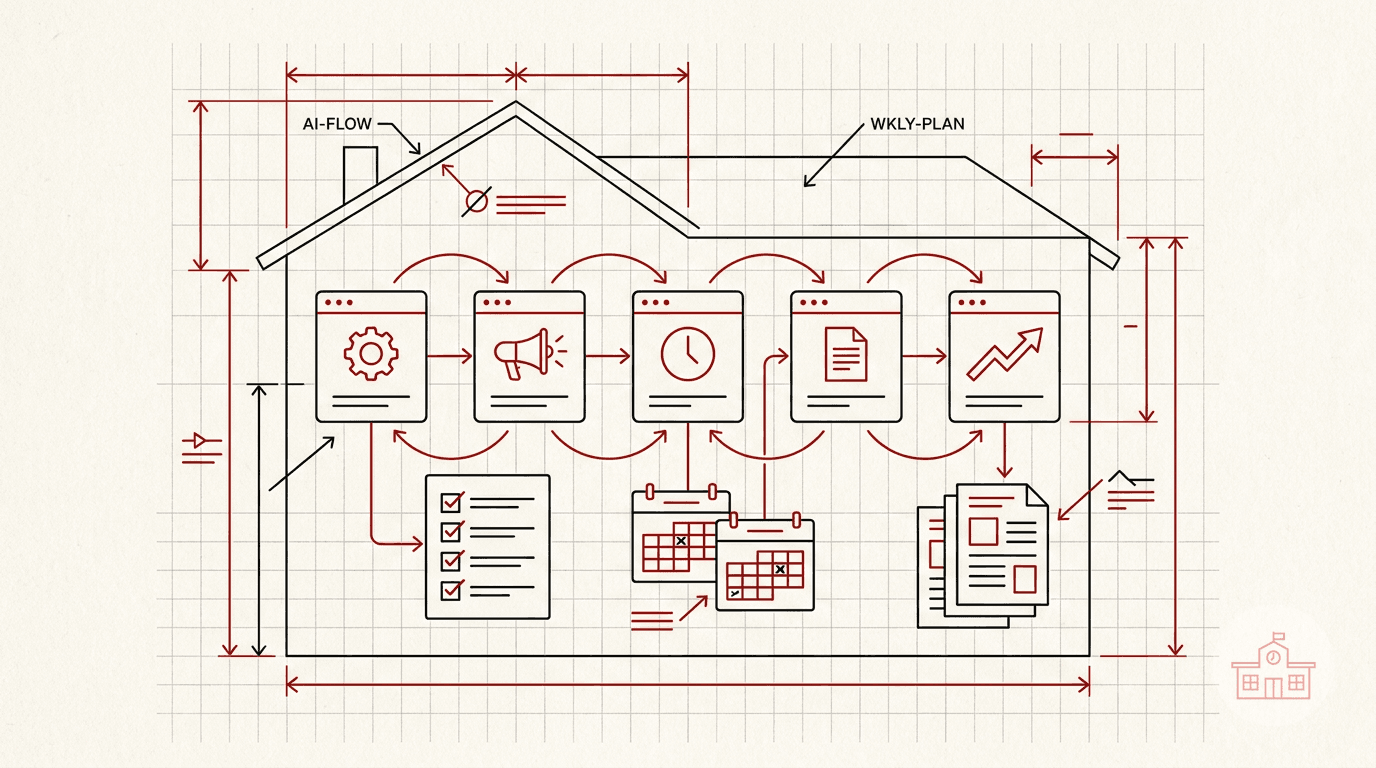
SmartPlans is an essential tool for real estate professionals looking to streamline their marketing and communication efforts. By automating tasks such as listing checklists, marketing touchpoints, and drip campaigns, SmartPlans enable agents to focus on building relationships and closing deals.
A "smart plan" in KW (Keller Williams) refers to a feature within their "KW Command" platform that allows real estate agents to automate various tasks like sending emails, texts, and setting reminders to nurture leads and clients through pre-set workflows, essentially creating a customized plan for consistent communication and follow-up with their database, all managed within the system. It's a way to streamline marketing and client management through automated sequences.
SmartPlans: Key Features and Functionality
Keller Williams’ SmartPlans offer powerful automation tools designed to help agents stay consistently connected with their database while simplifying task management. Here’s what you can do with SmartPlans:
Customization & Automation
- Custom SmartPlans: Build SmartPlans from scratch to match your goals. Customize each step with emails, calls, texts, tasks, and delays to create a fully personalized experience.
- Automated Workflows: Once a SmartPlan is set, it runs automatically based on your timeline, ensuring consistent follow-up and engagement.
- Drip Campaigns: Use SmartPlans to deliver scheduled sequences of messages over time, helping nurture leads and stay top-of-mind with clients.
- Task Automation: Include automated task reminders for listing checklists, follow-ups, or any action needed to move a deal forward.
SmartPlans Library
- Access Pre-Built Plans: Explore a robust library of proven SmartPlans, including options like the Birthday SmartPlan, Home Anniversary SmartPlan, and Quarterly Call SmartPlan.
- Adapt & Share: Customize these templates to fit your business needs, or publish your own SmartPlans to share with other KW associates.
Managing SmartPlans
- Contact Management: Easily add contacts to SmartPlans individually or in bulk to start the automation process.
- SmartPlan Editing: Update steps, content, timing, or rules at any time, even on active plans.
- Flexible Deployment: Apply SmartPlans to any segment of your database based on behavior, timeline, or relationship stage.
Step-by-Step Guide
Here is a video SmartPlans - How To Edit a Command SmartPlan - https://youtu.be/RUbPsL--Vko
Key Takeaways
- Automates routine tasks for more personal interaction time
- Requires complete contact information for best results
Frequently Asked Questions
How do I add contacts in bulk?
Use the Contacts applet and select 'Add to SmartPlan' from Bulk Actions.
What about missing information?
You'll receive alerts and can export lists for updates, remove contacts, or proceed anyway.
Can I schedule specific start dates?
Yes, choose immediate start, future date, or staggered implementation.
How do I edit active SmartPlans?
Duplicate the plan, make changes, then re-add contacts to the new version.
Can I create custom plans?
Yes, design plans tailored to your specific marketing strategies.
How do I track effectiveness?
Monitor email open rates and response times through engagement metrics.
What templates are available?
Find templates for listings, seasonal greetings, and client follow-ups.
How often should I update contacts?
Update regularly, especially before major campaigns.
Can I share with my team?
Yes, enable coordinated marketing efforts through team sharing.
What if I add wrong contacts?
Unsubscribe them through the SmartPlan settings.
Feel free to reach out if you need further assistance or tips on maximizing the potential of SmartPlans in your real estate marketing strategy. I'm here to help!
Best Practices
- Review and update contact information regularly to maintain data quality
- Test SmartPlans with a small group before large-scale deployment
- Monitor engagement metrics to optimize your communication strategy
- Keep your SmartPlan templates organized and well-documented
- Set reminders to review and refresh your SmartPlans periodically
Remember that SmartPlans are dynamic tools that can be adjusted and improved based on your experience and results. Regular monitoring and updates will help ensure optimal performance and engagement with your contacts.
Some people refer to SmartPlans as Smart Plans or SmartPlans.
Frequently asked questions
What is a SmartPlan in KW Command?+
A SmartPlan is an automated workflow inside Command that sends emails and texts, sets reminders, and assigns tasks on a schedule you define, so follow-up with your database happens consistently without manual work.
How do I add contacts to a SmartPlan in bulk?+
Open the Contacts applet, select the contacts you want, then choose Add to SmartPlan from Bulk Actions.
Can I schedule when a SmartPlan starts?+
Yes. You can start immediately, pick a future date, or stagger the start across several days.
How do I edit a SmartPlan that is already running?+
Duplicate the plan, make your changes to the copy, then re-add contacts to the new version.
What happens if a contact is missing information?+
You receive alerts. From there you can export the list to fix the records, remove those contacts, or proceed anyway.
Are there pre-built SmartPlans I can use?+
Yes. The SmartPlans library includes proven plans such as the Birthday SmartPlan, Home Anniversary SmartPlan, and Quarterly Call SmartPlan. You can customize them or publish your own to share with other KW associates.
Can I build a SmartPlan from scratch?+
Yes. Build custom plans step by step with emails, calls, texts, tasks, and delays to match your own process.
How do I know if a SmartPlan is working?+
Monitor email open rates and response times through the engagement metrics. Testing a plan with a small group before wider rollout is worth doing first.
What if I add the wrong contacts?+
Unsubscribe them through the SmartPlan settings.