Why Keller Williams Agents Should Be Using SmartPlans in Command
If you’re a Keller Williams agent and you’re not using SmartPlans inside KW Command, you’re missing out on one of the most powerful tools built specifically for your business.
TAThe AMS TeamEditorial Team · April 2, 2025
If you’re a Keller Williams agent and you’re not using SmartPlans inside KW Command, you’re missing out on one of the most powerful tools built specifically for your business.
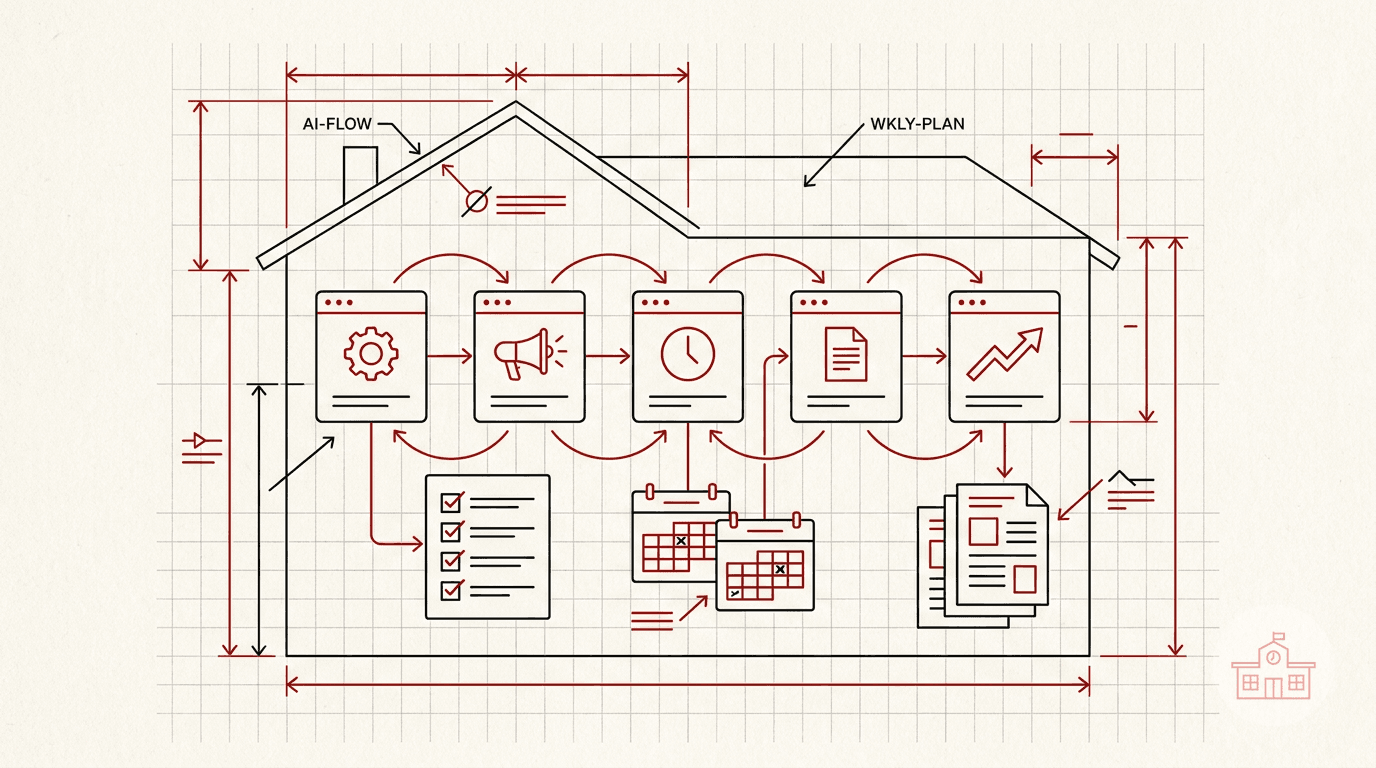
SmartPlans are designed to automate the tasks that keep you top of mind with your leads and clients, like follow-ups, birthday messages, open house touches, and even full buyer or seller campaigns. Instead of spending hours each week sending reminders or emails manually, you can have it all running in the background while you focus on meetings, showings, and closings.
Working with first-time buyers? There’s a SmartPlan for that. You can guide them through each step of the journey, automatically, with personalized messages that educate and reassure, without you having to start from scratch every time.
One of the biggest benefits? You can nurture hundreds of leads at once. Whether they’re brand new or part of your long-term pipeline, SmartPlans help you stay consistent without the chaos.
Best of all, SmartPlans are already built into Command and fully customizable. That means you can adjust the timing, messaging, and content to match your voice and your brand.
Need help getting started?
We’ve created a step-by-step guide and a set of quick videos to walk you through everything.
🎥 Watch the videos and view the full guide here:
https://pages.agentmarketingdesk.com/KW-Command-SmartPlans-187be92991c1815499d7e2eab3573f32?pvs=4
Want to find out more about Command? That’s what we cover at Agent Marketing School.
Visit our Youtube Channel -> https://www.youtube.com/@agentmarketingschool
We also have a service for creating a custom SmartPlan -> https://agentmarketingdesk.com/products/setup-customized-kw-command-smartplans
Frequently asked questions
What are SmartPlans in KW Command?+
SmartPlans are automations built into Command that handle the tasks keeping you top of mind with leads and clients, including follow-ups, birthday messages, open house touches, and full buyer or seller campaigns.
Can I customize a SmartPlan?+
Yes. SmartPlans are already built into Command and fully customizable, so you can adjust the timing, messaging, and content to match your voice and your brand.
How many leads can I nurture with SmartPlans at once?+
Hundreds at a time, whether they are brand new leads or part of your long-term pipeline. The point is staying consistent without doing it manually each week.
Is there a SmartPlan for first-time buyers?+
Yes. It guides first-time buyers through each step of the journey automatically, with personalized messages that educate and reassure, so you do not start from scratch every time.